InstaPaid integration - How to get started with Planday
Read this article to connect your Planday account with InstaPaid.
InstaPaid is an innovative platform that gives employees instant access to their earned pay – with a single swipe. When a shift ends, the pay balance is automatically updated in the app, creating a sense of progress and increasing motivation. InstaPaid is free for employees and acts as a valuable employee benefit without adding extra administrative work to the company.
Credentials
Use the App ID and Token below to set up the integration.
Getting started
Generate API credentials using the “Credentials” section above, then go to InstaPaid to complete setup.
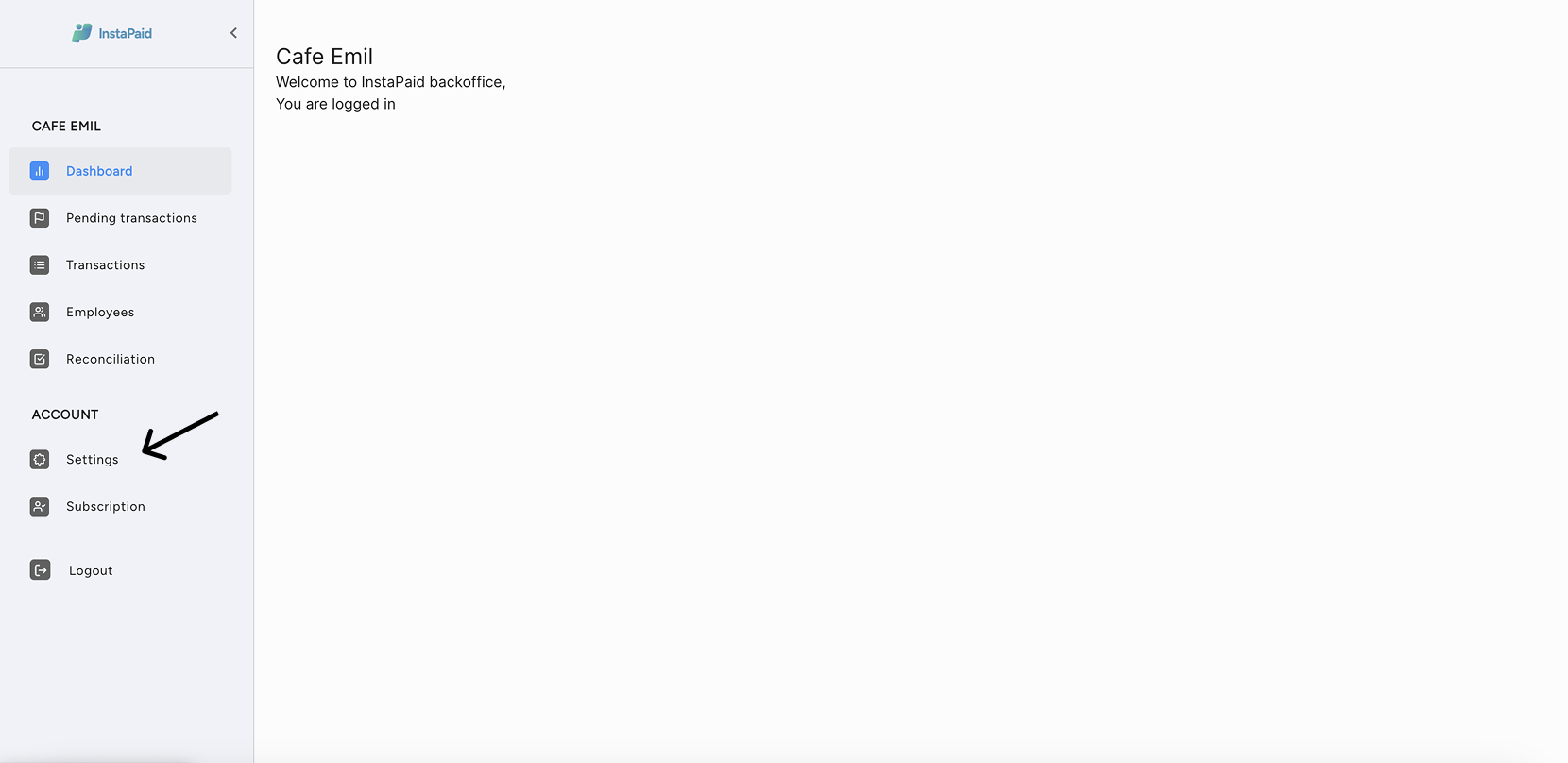
Log in to InstaPaid and tap “settings” under “Account”
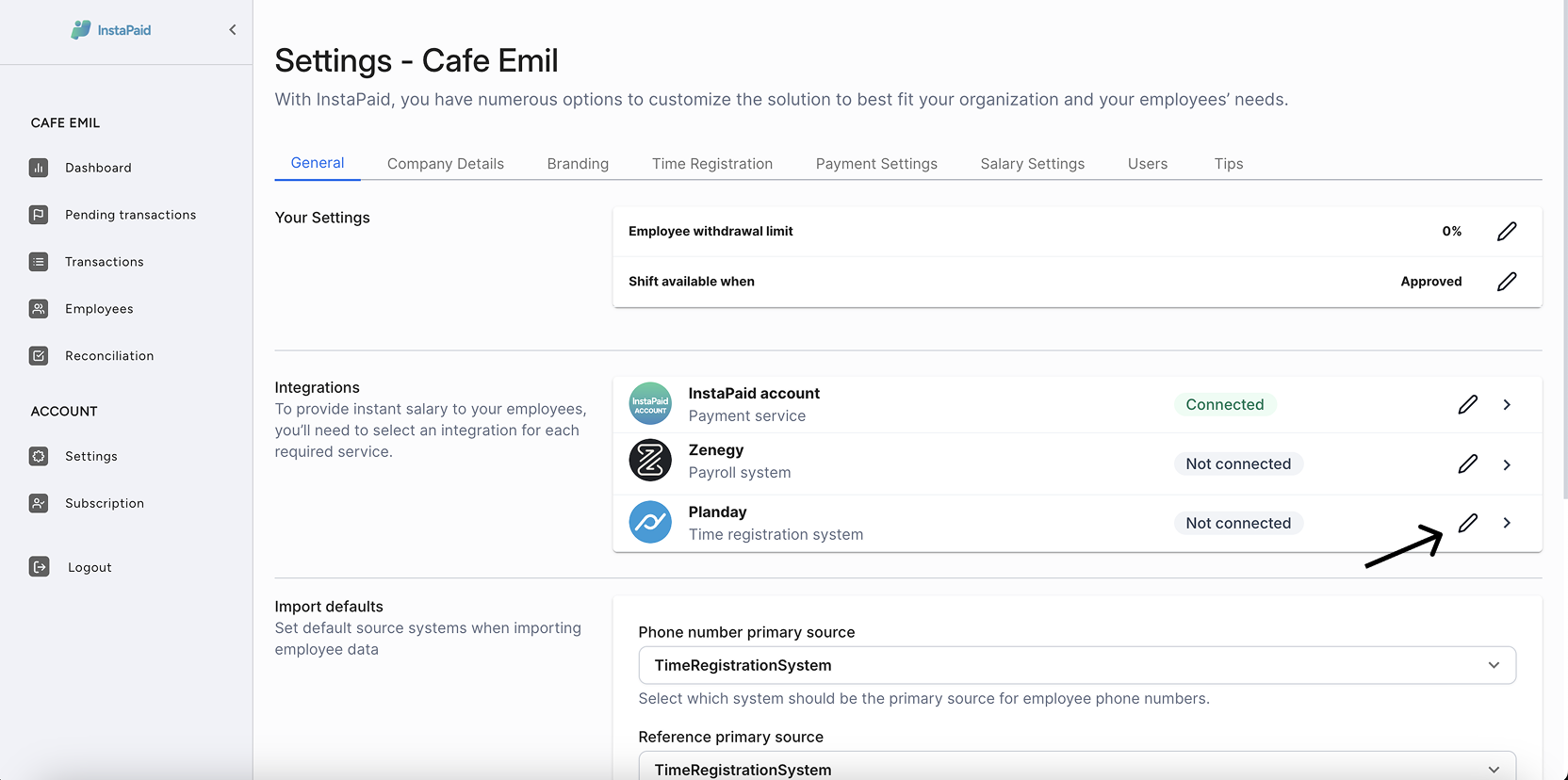
Press Planday
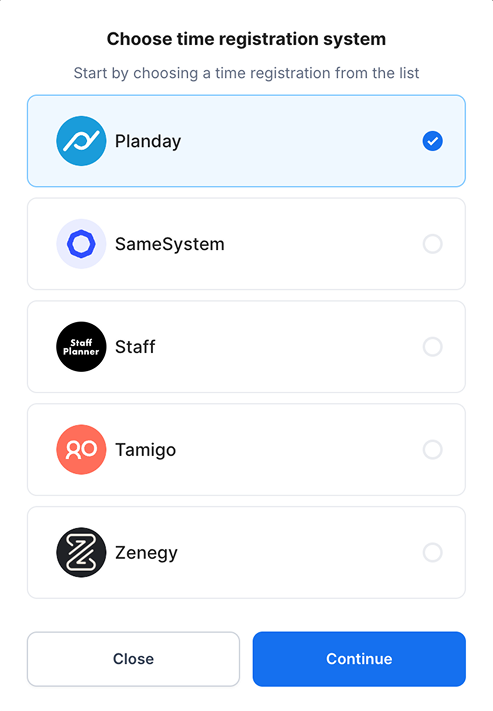
Choose Planday as your registration system
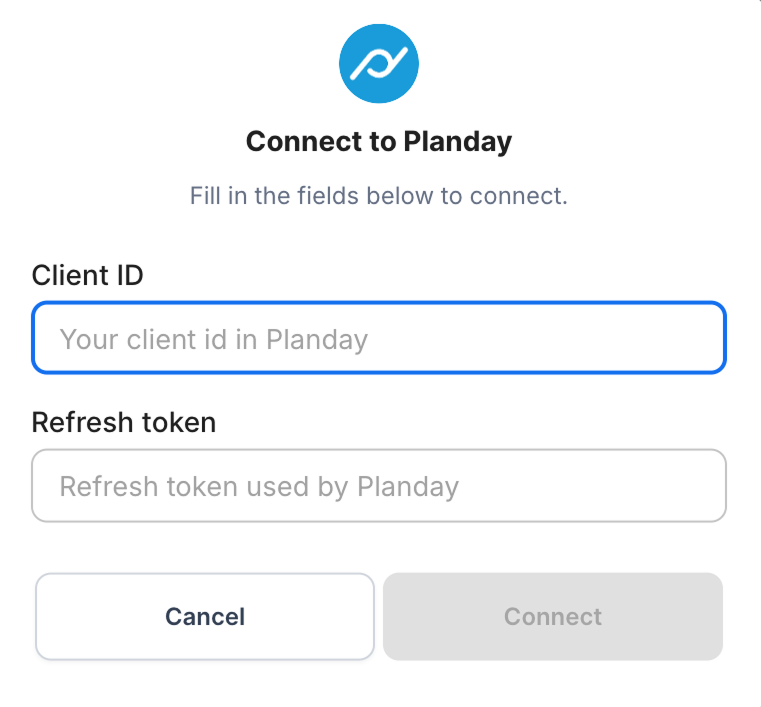
Connect using the Planday-generated credentials
If you do not have a login or need help, you can contact your contact person at InstaPaid.